
Configuring SOAP Note Custom Properties
This resource reviews how to set up SOAP Note custom properties. Custom properties allow organizations to tailor SOAP note templates to best support their workflows and documentation requirements.
The selected property type determines how the property functions within the note. Depending on the property type, the field may either:
- Generate information automatically within the note, or
- Create a fillable field for staff to complete while documenting
For fillable fields, both the property name and value can be customized. For automatically generated properties, only the property name can be customized, as the value is populated by the system.
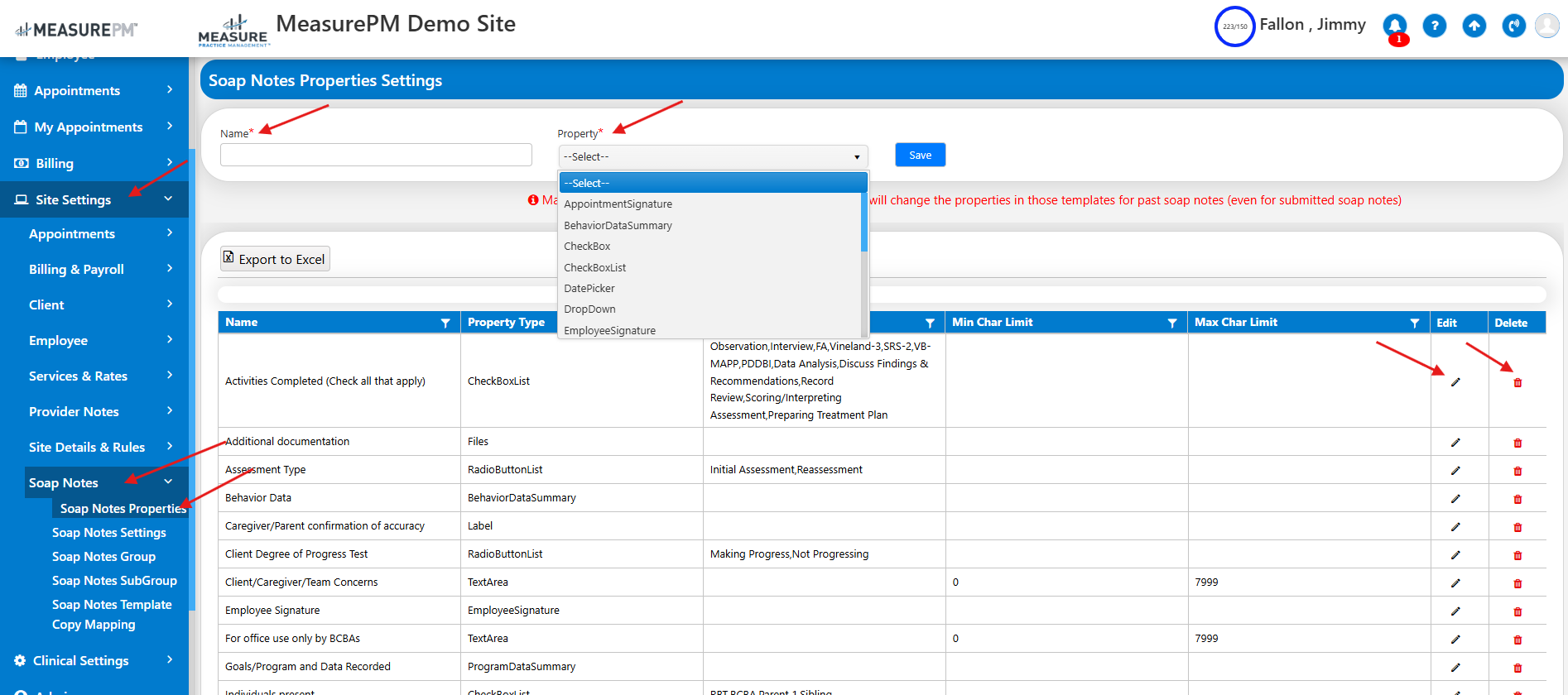
Accessing SOAP Note Properties
To configure custom properties:
- Navigate to Site Settings
- Select SOAP Notes
- Click SOAP Note Properties
From this page, you can create a new property, assign a custom title, and select the appropriate control type.
Editing or Deleting Properties
After a property has been created:
- Use the pencil icon to edit the property at any time
- Use the trash can icon to delete the property, provided it has not yet been added to a SOAP note template
This flexibility allows administrators to refine templates as documentation needs evolve.
Property Type & Description | Display when filling out notes on Web | Display when filling out notes on Mobile-App | Display on Soap Note Reports |
Appointment Signature
Automatically inserts the appointment signature into the soap note. | 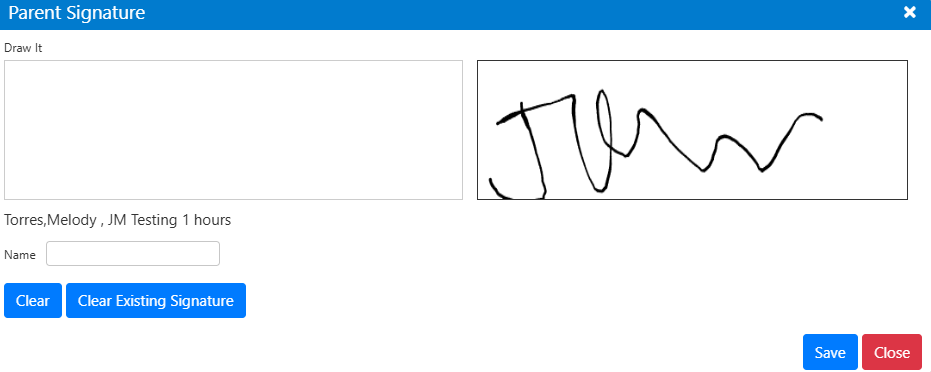 | 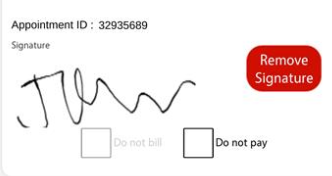 |  |
| Behavior Data Summary Automatically inserts a table of all behavior data that was committed throughout the appointment. | 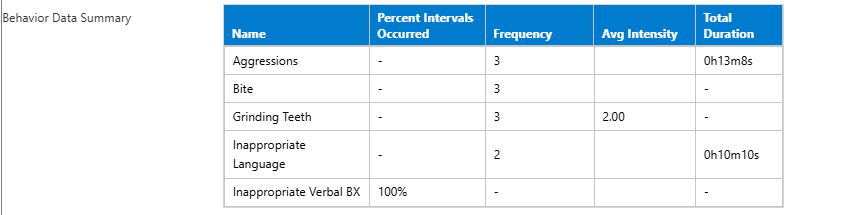 | 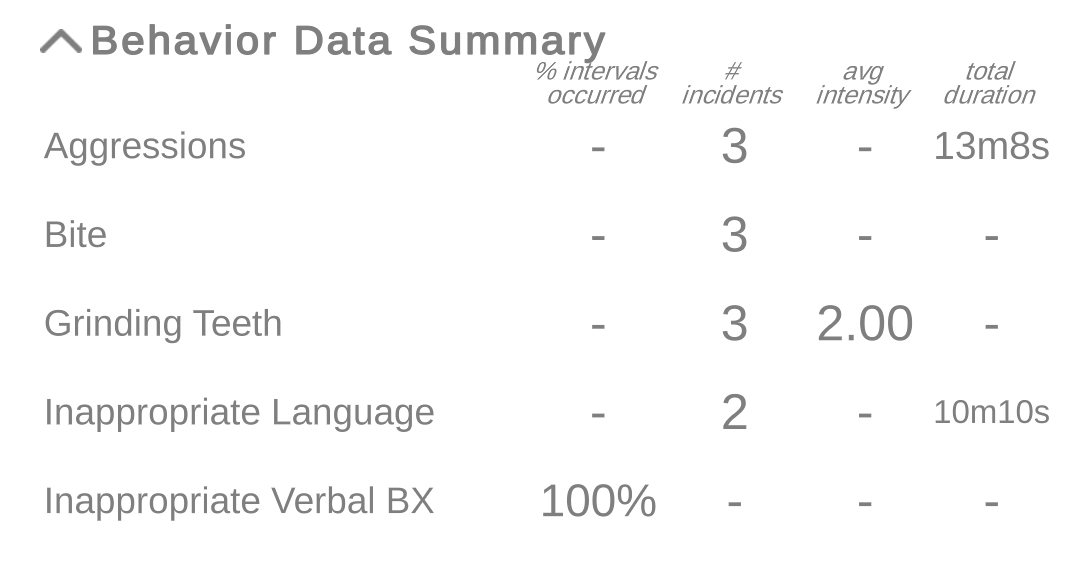 | 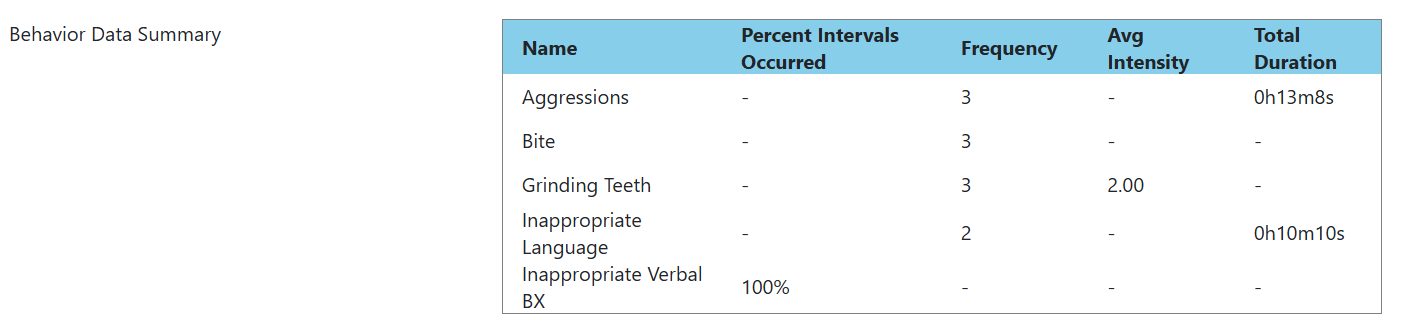 |
| Checkbox A single yes/no field that staff can leave checked or unchecked based on statement. | 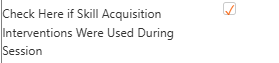 | 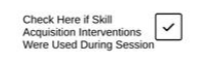 |  |
| Checkbox List Presents a customized checkbox list. When staff are filling out the note, they can choose 1+ checkboxes. |  | 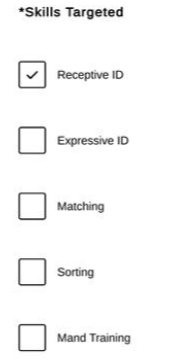 |  |
| Date Picker A calendar based field that allows staff to select a date. | 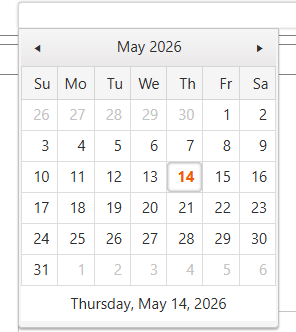 | 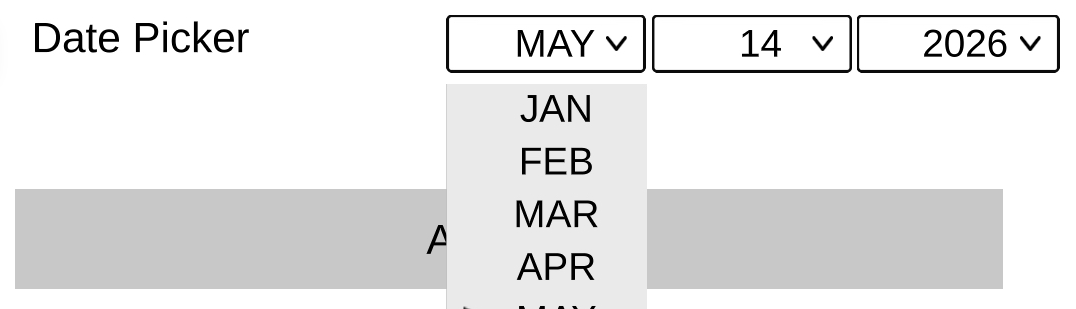 |  |
| Drop Down A single select menu containing a predefined list of options. | 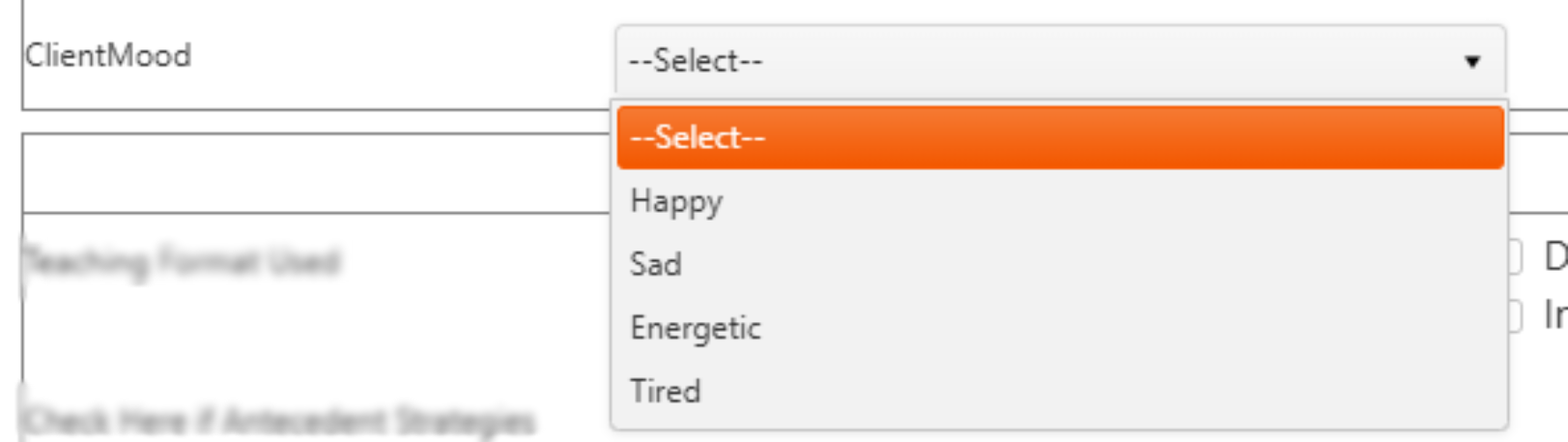 | 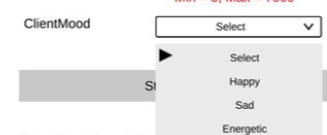 |  |
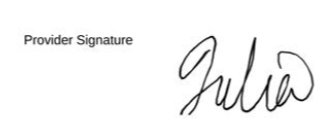
| Employee Signature Automatically inserts the employee signature into the soap note, from the signature saved on the employee hr file. | 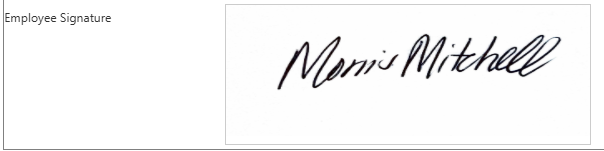 | 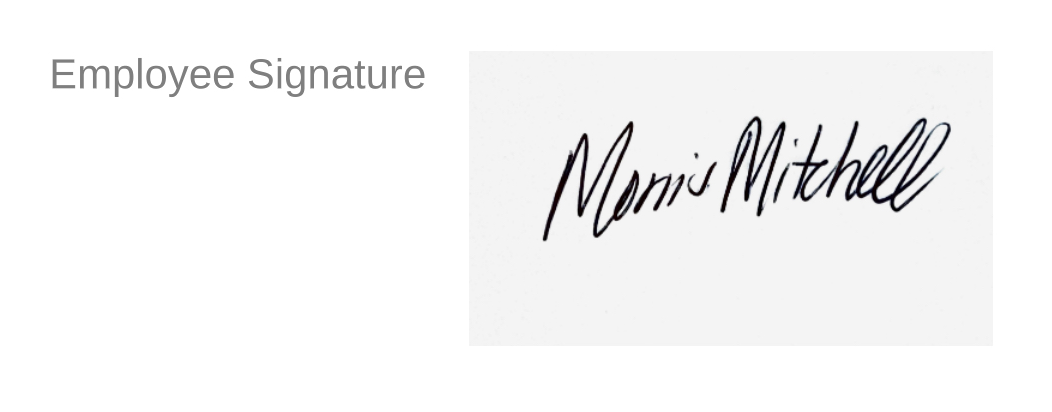 |  |
Files A field that allows staff to upload files directly from their computer. |  |  |  |
Full Width Label A non-editable line of text that spans the entire width of the note ideal for section headers, important statements, etc. |  | 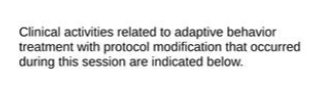 |  |
| Image A field that allows staff to upload an image directly from their device. |  |  |  |
| Label A short amount of non-editable text will populate on the note. |  |  |  |
| Program/Goal Automatically inserts a checkbox list of all in progress programs added to the client clinical profile. If one of the checkboxes is selected, the goal of the program populates below. | 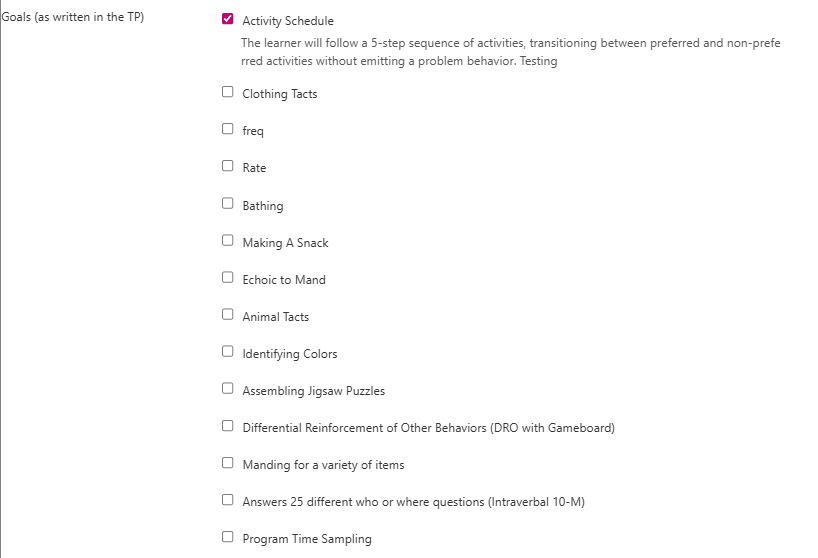 | 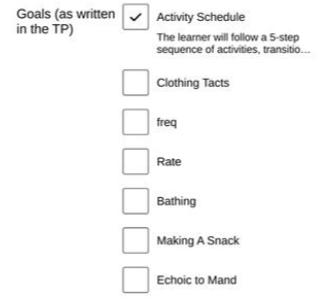 | 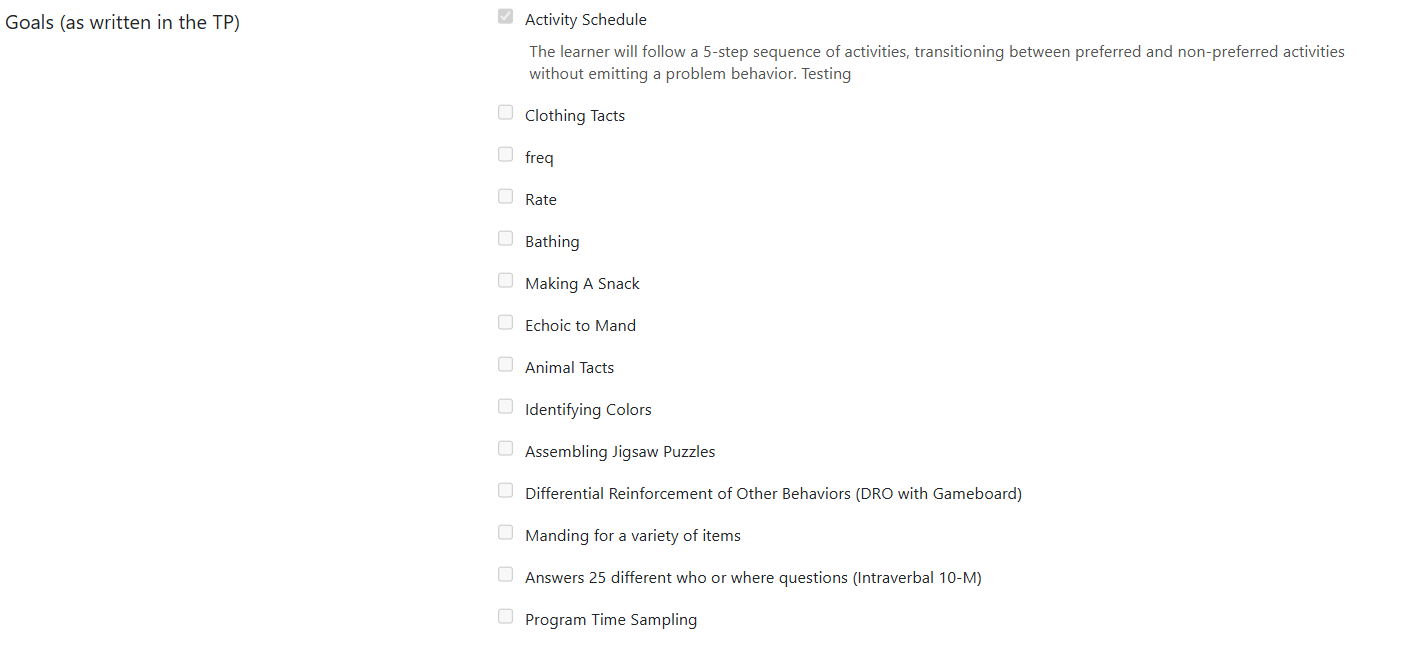 |
| Program Data Summary Automatically inserts a table of all program/skill acquisition data that was committed throughout the appointment. | 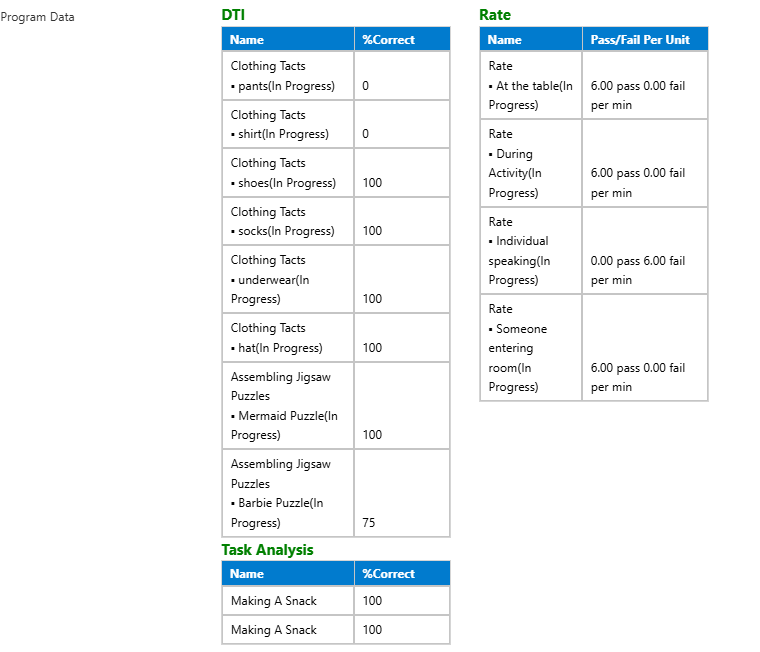 | 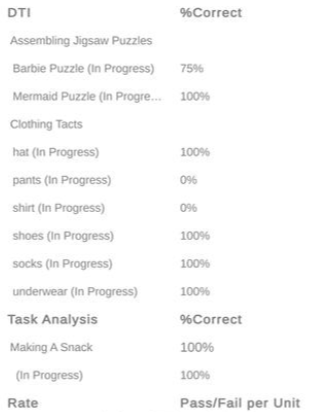 | 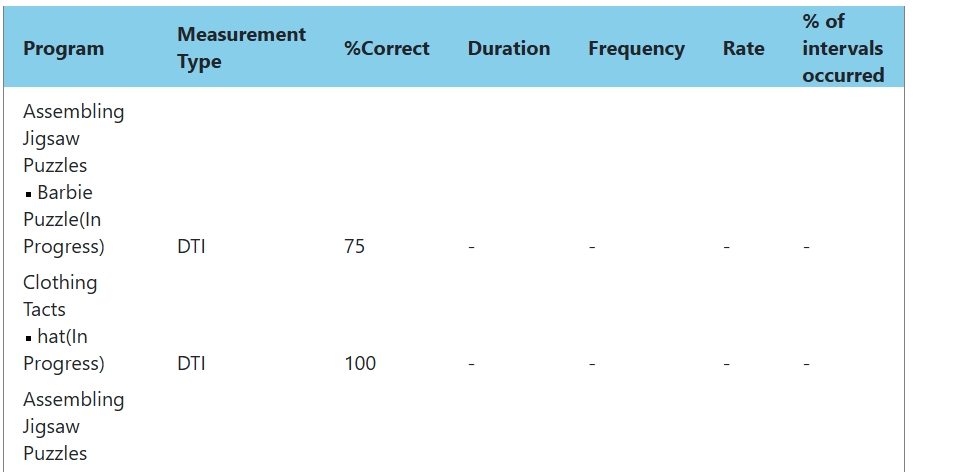 |
| Radio Button Presents a customized list of values. When staff are filling out, they can only select one radio button. |  | 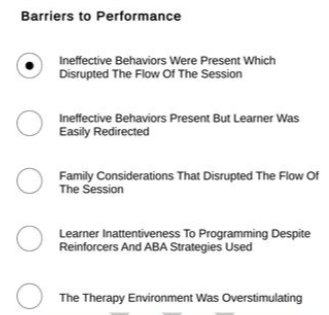 |  |
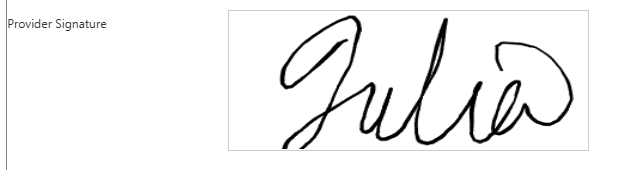
Signature
Presents a fillable signature filed, and the signature is obtained in the note itself. |
|
| |
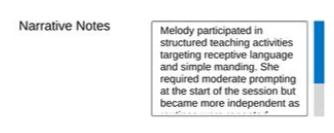
Text Area A multi-line field for free form narrative documentation. When configuring this property a min/max character count may be added. |
|
|
|
| Text Box A single-line field for short text entries. When configuring this property a min/max character count may be added. |  | 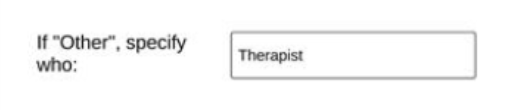 |  |



For details on how to add these properties to your notes, please see this guide on SOAP Note Settings.
For any additional comments or questions, please reach out to support@measurepm.com.